
Faceless YouTube video maker
Long YouTube videos, animated around your facts. No camera needed.
Give Vidoby a topic and your sources. It plans the story, animates every scene with diagrams, charts and timelines, narrates it with an AI voice, and hands you the video with chapters, captions, thumbnails and Shorts cut-downs. Your screen recordings go in where they belong; your face only if you want it to.
Plan 15 credits · render 15 credits a minute · 150 free credits to start · made on desktop
Scenes drawn by the engine, not stock footage
Frames from finished Vidoby Long renders. Every diagram, number and timeline is animated from the script; your own recording sits in the last one.
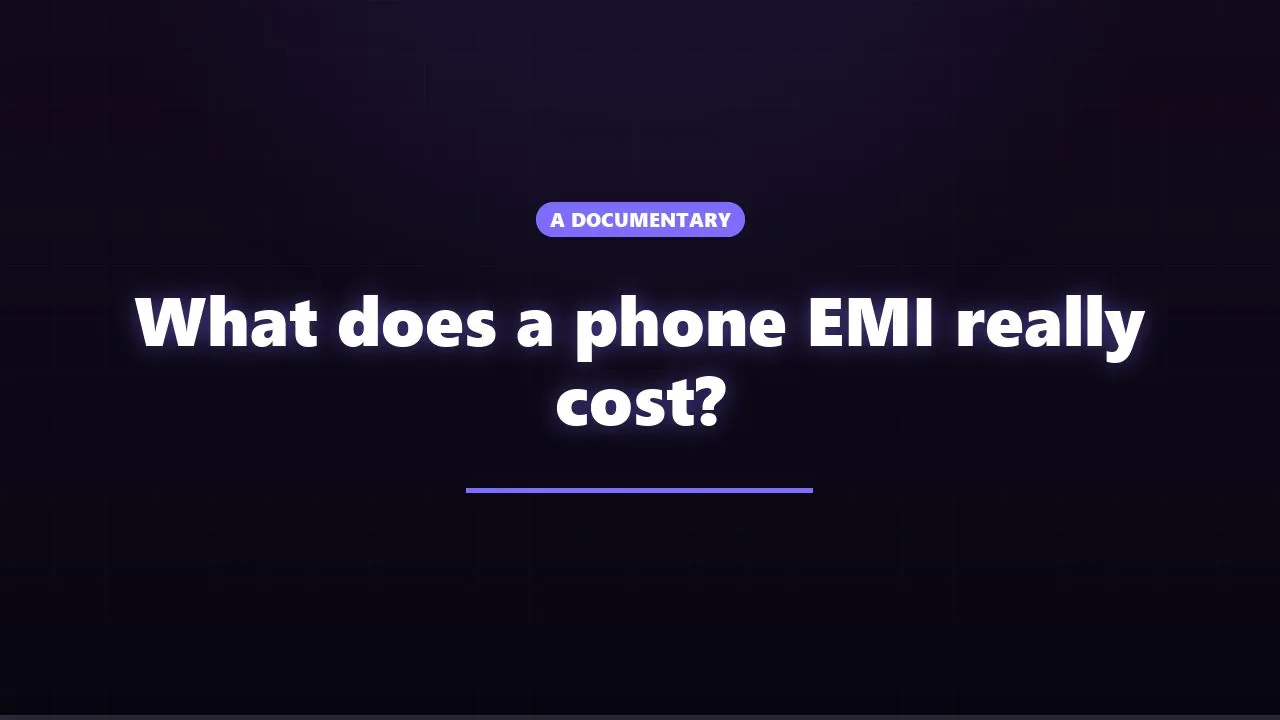 Title scene
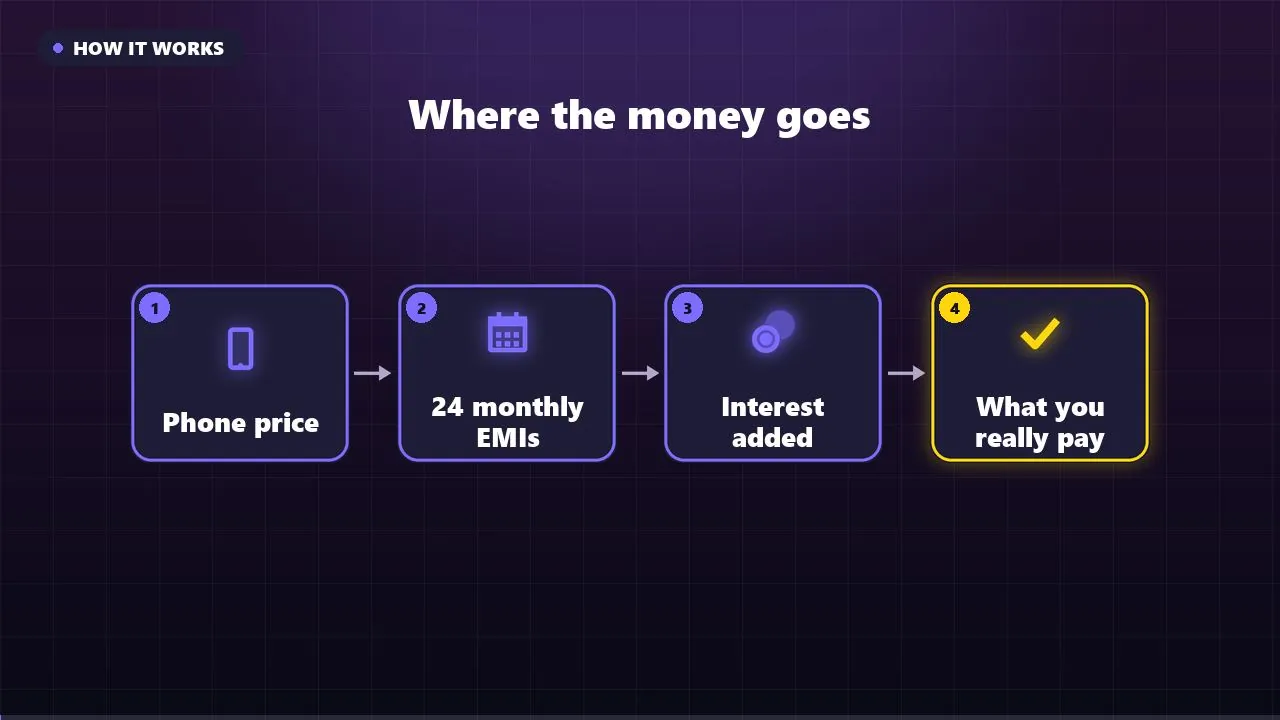 Animated diagram
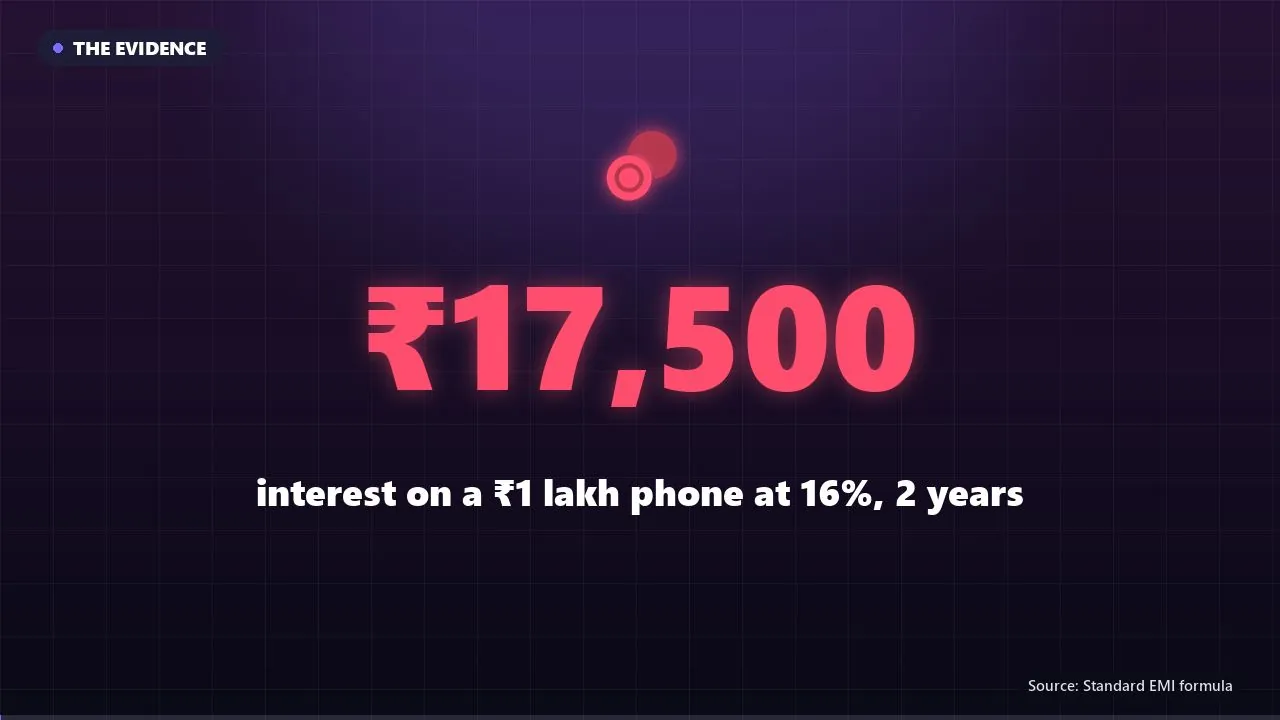 Sourced number
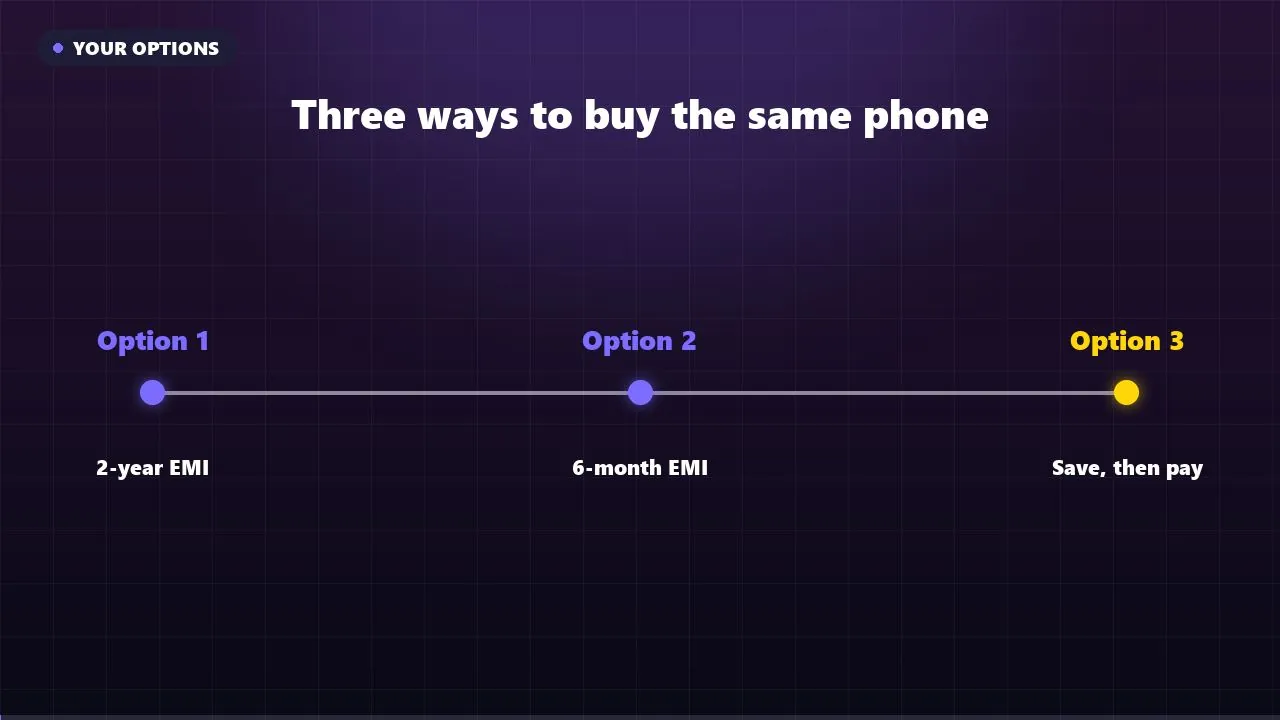 Timeline
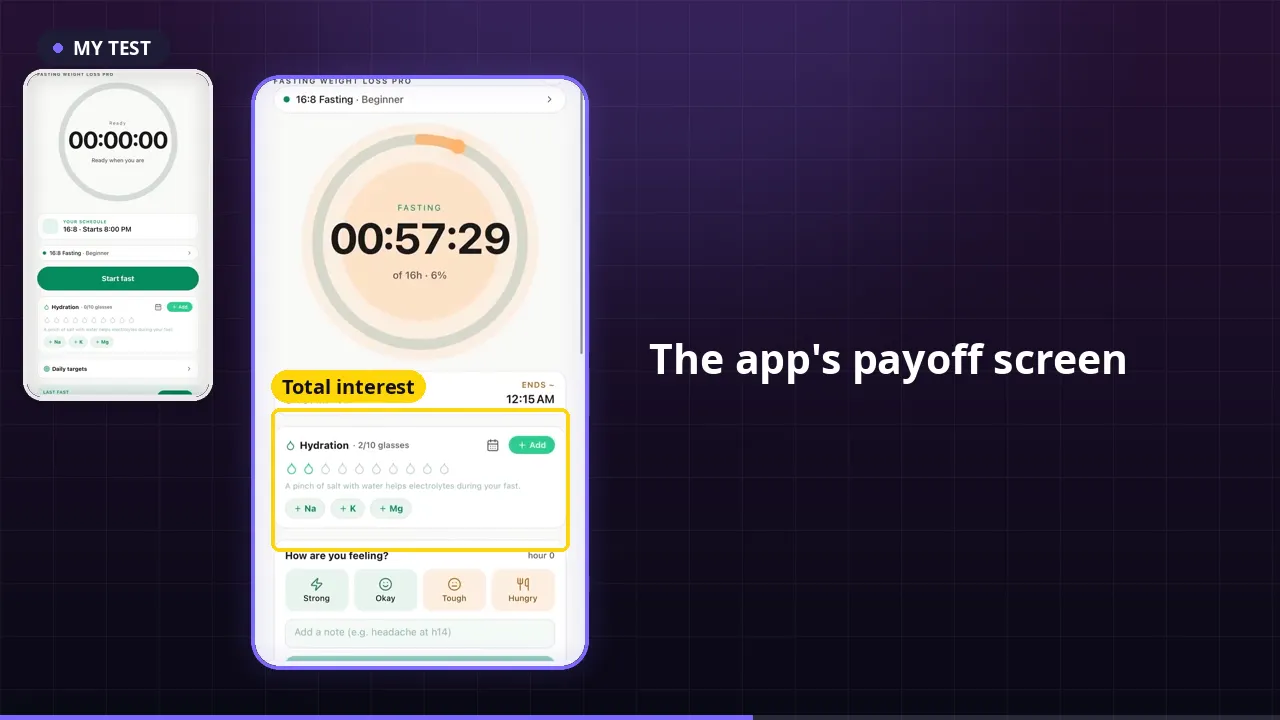 Your recording + you
Watch the whole workflow in under 8 minutes
Made with Vidoby Long itself: an AI voice over real editor and vidoby.com screens. Chapters follow the steps below.
From a topic to an upload-ready video
Four steps. You edit the plan before anything is rendered, and the render is only charged when you press the button.
- 1Topic, facts, sources
Type the topic and paste the facts you want in it with where they came from. Pick the shape: documentary, experiment, teardown, tutorial, investigation, game. Choose a level from Low, Standard, High, Max: Max adds a director who plans and critiques the story and reviews the finished video.
- 2Review the plan
Vidoby writes the scene list: narration, what is drawn, and a claim ledger that ties every number to the source you gave. Edit any line in a real editor with live preview, timeline and undo. It saves as you type.
- 3Add your footage, or stay faceless
Drop screen recordings or clips on the scenes they belong to, with trim, zoom and callouts. Record your own narration scene by scene from the prompter, or let one of 8 AI voices read it. Put yourself on camera full screen or picture-in-picture only if you want to.
- 4Render, check, post
Pick a look and 720p or 1080p. The render is scanned for black frames, silences and frozen video, then you download the video, chapters, captions, three thumbnails, Shorts cut-downs and a description with your sources and the AI disclosure.
Ten looks, one click
Each look restyles every scene: colours, type, how diagrams are drawn and how transitions move. These are frames rendered by the engine.
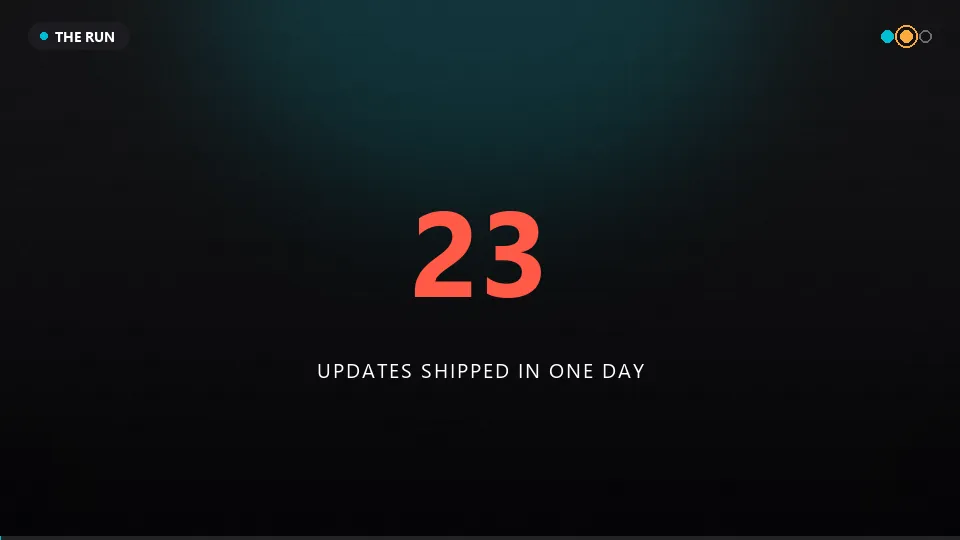 Cinematic
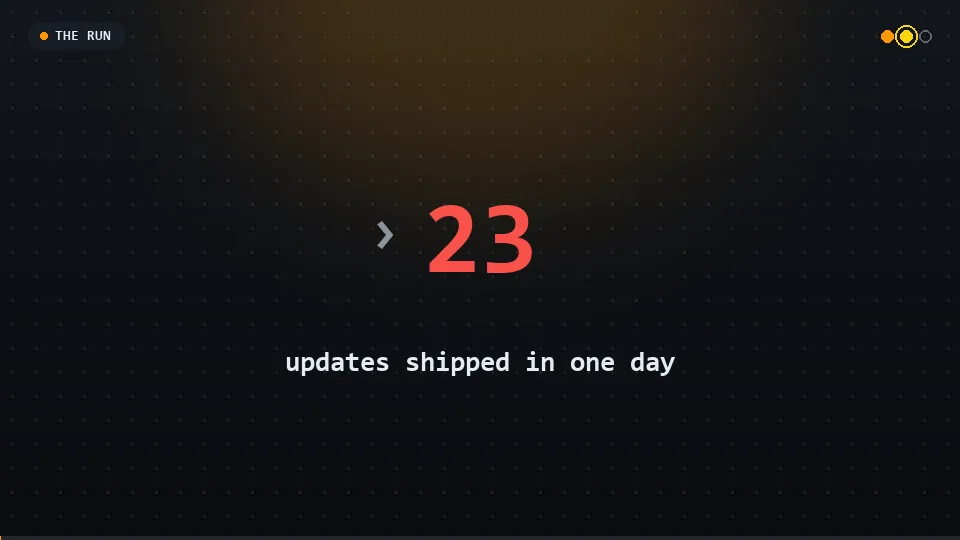 Terminal
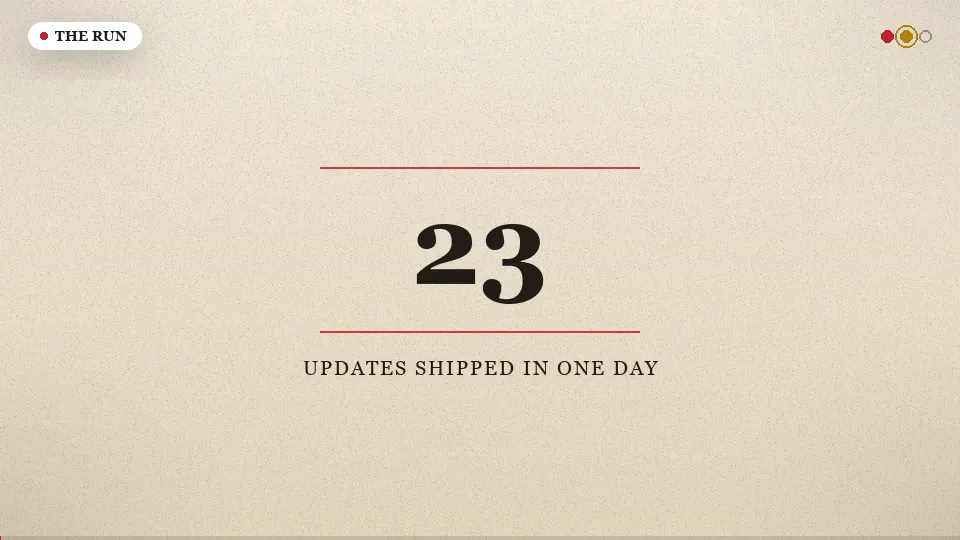 Documentary
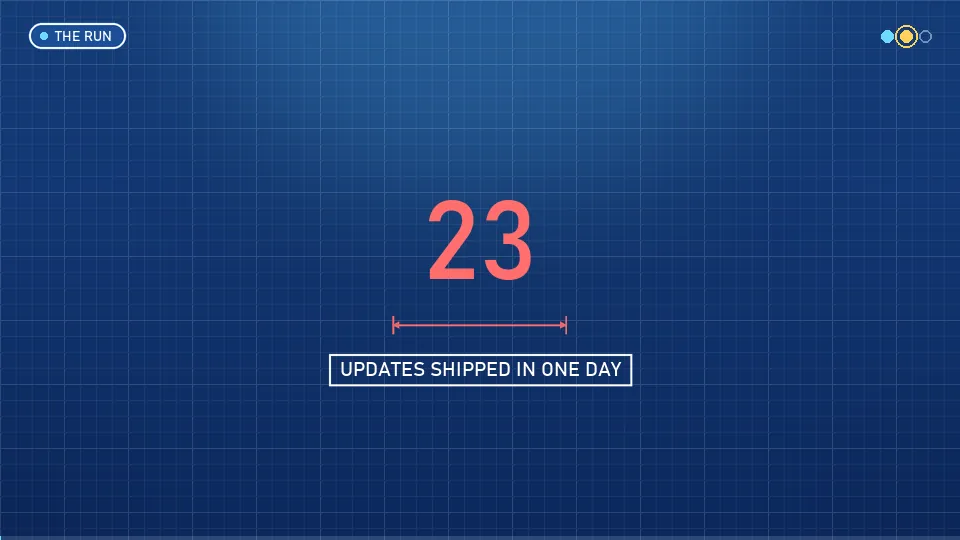 Blueprint
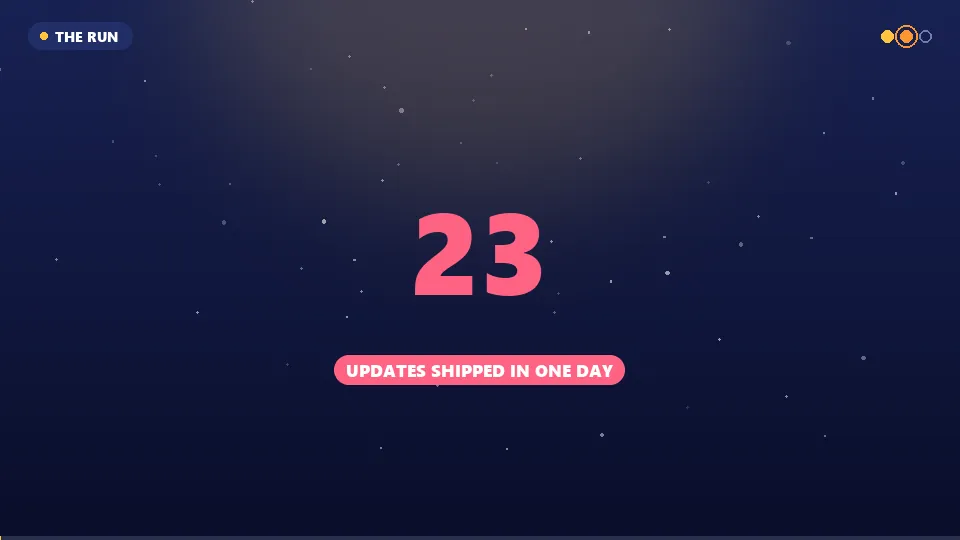 Midnight
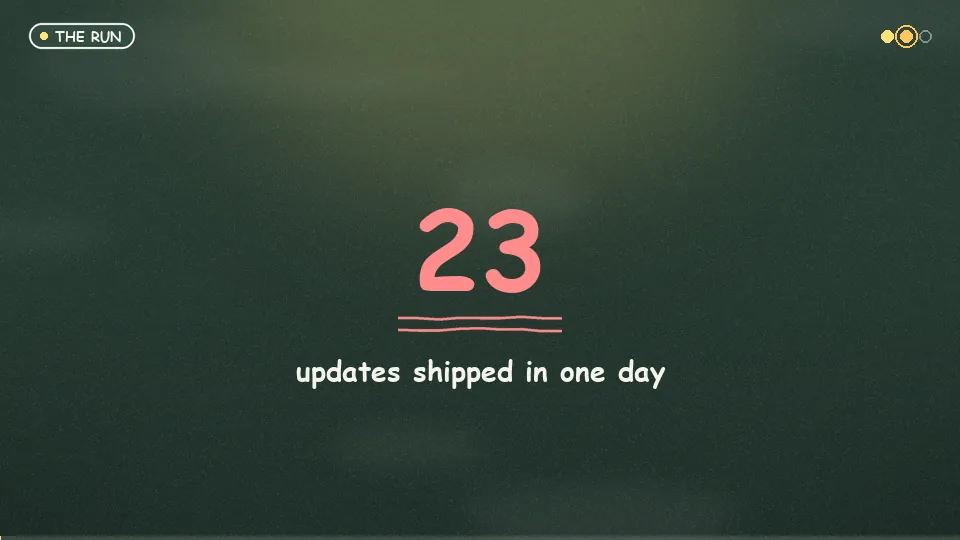 Chalkboard
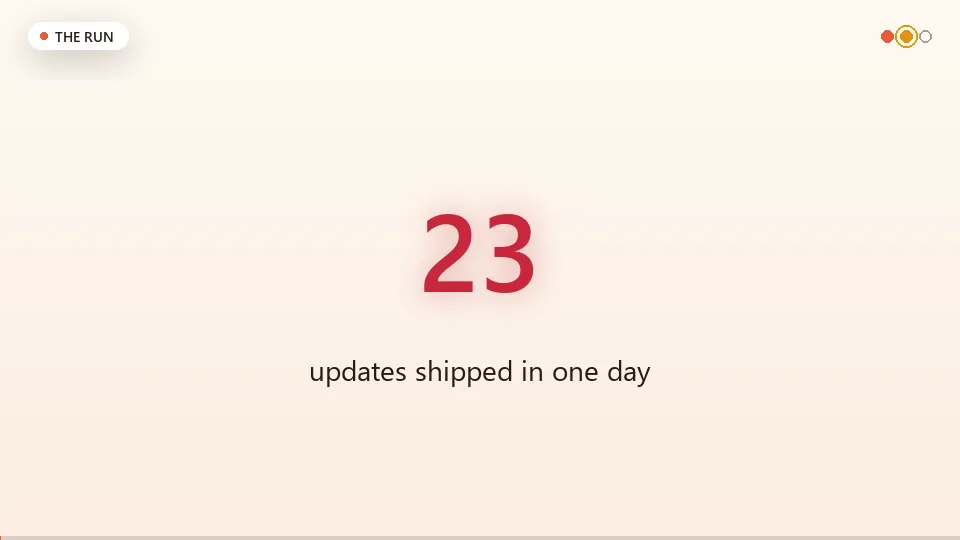 Warm studio
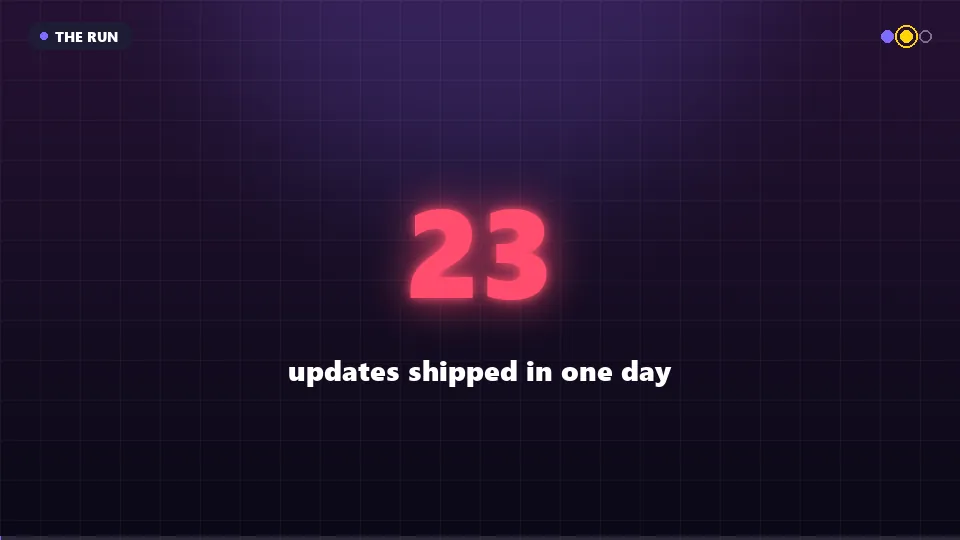 Neon
Neon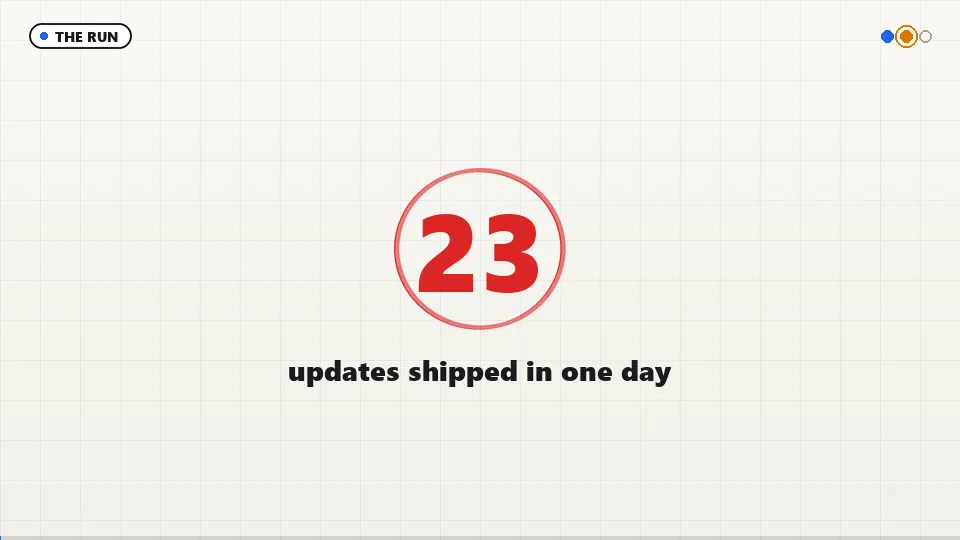 Whiteboard
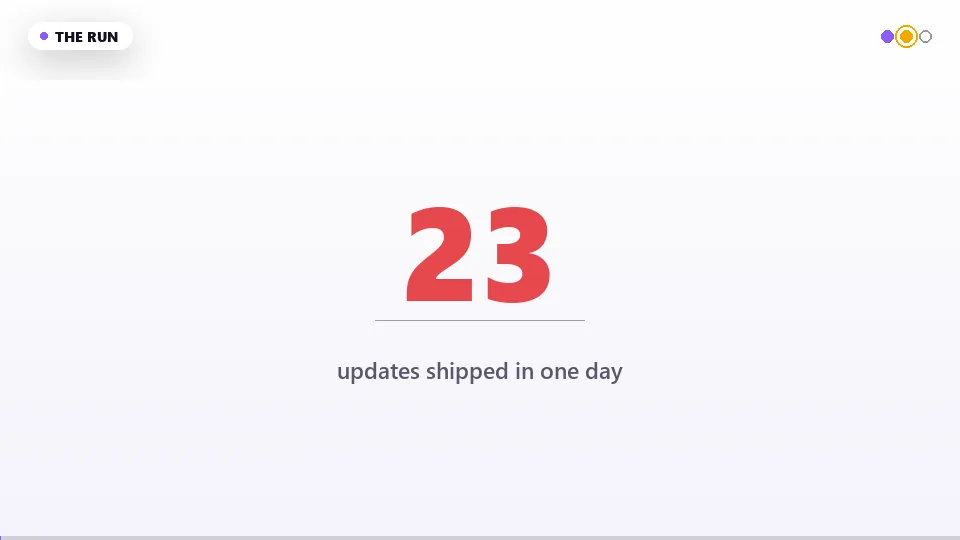 Clean
Clean
Built for videos that have to be right
Faceless channels live or die on trust. These are the parts of Vidoby Long that protect it.
Only your numbers
Every claim in the script is tied to a source you gave, in a claim ledger you review before rendering. Links in the description are the ones you supplied, never invented.
Your real footage
Screen recordings and clips go on the scene they prove, with trim, zoom and callouts. The right demo moment is picked for the sentence, not pasted at the start.
A real editor
Scene list, live preview, timeline and undo, up to 90 scenes. Change a line and the estimate, duration and price update with it.
Your voice or an AI voice
Record each line from a prompter in the browser; the take is checked for level and the words. Or choose one of 8 AI voices and never speak at all.
Checked before you post
The rendered file is scanned for black frames, long silences and frozen video, with a contact sheet. The free monetization check flags anything a platform would reject.
Honest about AI
The description is assembled with your sources and the altered-content disclosure that matches what is actually in the video.
Pay per minute, in credits
Planning 15 credits, rendering 15 credits per started minute at Standard: a 10-minute video is 165 credits. Low plans for 10 and renders at 12 a minute; High and Max plan for 20 and 30. Failed renders are refunded.
Full price list, plan limits and worked examples on the pricing page.
Questions people ask before their first long video
- What is a faceless YouTube video?
- A video where nobody appears on camera: an AI or recorded voice narrates over animated scenes, diagrams, charts, text and screen recordings. It is how most explainer, documentary and tutorial channels work. Vidoby Long makes the whole thing from a topic and your sources; you can also add yourself on camera later if you change your mind.
- Do I need to write a script?
- No. Give a topic, the facts you want in it and where they came from. Vidoby plans the story as a documentary, experiment, teardown, tutorial, investigation or game, writes every scene's narration, and shows you a scene list you can edit before anything is rendered. Every number in the script is tied to a source you gave, in a claim ledger you review first.
- Where do the visuals come from?
- They are drawn by Vidoby's own animation engine: flow diagrams, charts, timelines, counters, code panels and kinetic text, in one of ten looks (cinematic, terminal, documentary, blueprint, midnight, chalkboard, warm studio, neon, whiteboard, clean). Nothing is stock footage, and your own screen recordings or clips can be placed on any scene with trim, zoom and callouts.
- Which voice reads it?
- One of 8 AI voices, or your own: the built-in recorder lets you record each scene's line from a prompter in your browser, checks the take, and the render uses your recording for that scene. You can mix the two.
- How much does a video cost?
- Planning is 15 credits and rendering is 15 credits per started minute (minimum 30) at the Standard level, so a 10-minute video is 165 credits. Low is cheaper (10 to plan, 12 a minute); High and Max plan for 20 and 30. Your 150 free credits cover a first Standard video of up to 9 minutes, and a render that fails is refunded.
- What do I get at the end?
- The finished MP4 in 720p or 1080p, YouTube chapters, a captions file to upload as subtitles, three thumbnail options, Shorts cut-downs of the strongest moments, and a description with your sources listed and the AI disclosure written for you.
- Is it checked before I upload?
- Yes. The rendered file is scanned for black frames, long silences and frozen video, and you get a contact sheet of the whole video to glance over. A free monetization check also flags anything YouTube would reject.
- Can I use it on my phone?
- The long-video editor and recorder are made for a desktop browser. Short videos work anywhere.
Make your first long video today
150 free credits cover a first Standard video of up to 9 minutes. Want short vertical videos with an AI presenter instead? That is the AI UGC video generator.